Quick answer
What is the best way to read an AI price?
Start by identifying the billing unit. A developer API may charge for input and output tokens; a chat product may charge per seat or subscription tier; a hosted deployment may add capacity, region, support, or provisioned-throughput terms. Then estimate the actual workload instead of comparing a single headline number. The right AI pricing model is the one that matches your volume, latency, context, quality, and contract constraints.

On this page
What are AI pricing models?
AI pricing models are the commercial rules used to charge for access to an AI model or AI-enabled service. The model may be billed by consumption, by user access, by capacity, or by a negotiated package. Most real products combine more than one model: an API may have token rates plus tool-call charges, while an enterprise deployment may combine a platform fee, reserved capacity, support, and usage.
This distinction matters because the cheapest-looking number may describe a different product. A monthly chat subscription is not an API token rate. A low input-token price may not be cheap for a code assistant that generates long responses. A reserved-capacity quote may reduce unit cost while increasing the commitment and operational responsibility. Treat the pricing model as part of the architecture decision, not just a line in a comparison table.
Consumption
Pay for requests, tokens, images, minutes, characters, or other measured usage. Flexible for variable traffic.
Access
Pay for seats, subscriptions, credits, or product tiers. Easier to budget when users and allowances are predictable.
Capacity
Pay for reserved throughput, dedicated deployments, or committed volume. Useful for steady demand and latency control.
Contract
Negotiate support, compliance, service levels, regions, and minimum commitments alongside usage.
Token-based AI API pricing
Token-based pricing is the most common model developers see in AI API documentation. Providers normally separate input tokens—the prompt, system instructions, conversation history, retrieved text, or uploaded context—from output tokens generated by the model. Some providers also publish cache-read, cache-write, batch, reasoning-token, image, audio, search, storage, or tool-call rates.
A fair comparison starts with the same workload. Record the average input tokens, output tokens, request volume, context size, retry rate, and optional features. Then apply the matching prices rather than adding input and output rates without considering their ratio.
request cost = input tokens ÷ 1,000,000 × input rate + output tokens ÷ 1,000,000 × output rate
| Line item | When it matters | Common mistake |
|---|---|---|
| Input tokens | RAG, document analysis, long chat history, system prompts | Using a short-demo prompt to budget a long-context production request |
| Output tokens | Code generation, reports, agent traces, structured results | Comparing only input price when output is the larger side |
| Cached input | Repeated policies, tools, documents, or conversation context | Assuming every request qualifies for the cache rate |
| Batch usage | Offline extraction, evaluation, tagging, and backfills | Applying a delayed-job discount to latency-sensitive traffic |
| Feature charges | Search, storage, images, audio, tools, or hosted retrieval | Hiding non-token fees inside a blended token estimate |
Use the LLM cost calculator when you have a token mix and request volume. For a provider-specific estimate, continue to the OpenRouter cost estimator, OpenAI API pricing calculator, Claude pricing calculator, or Gemini pricing calculator.
Subscription and seat pricing
Subscription pricing charges for access to a product, account, seat, or usage allowance instead of exposing every model call as an API line item. It is common in consumer chat products, team workspaces, coding assistants, and bundled productivity tools. The buyer usually values predictable access and features more than a transparent per-token bill.
Do not use a subscription price as a proxy for API cost. Ask what the plan includes, whether usage is capped or throttled, which models and features are available, and whether commercial API traffic is allowed. If the product has both a subscription and an API, evaluate them as different AI pricing models with different buyers, limits, and operational tradeoffs.
Reserved capacity and committed-use pricing
Reserved capacity, provisioned throughput, and volume-committed pricing exchange flexibility for more predictable capacity or a lower effective unit cost. This can make sense for a stable workload that needs guaranteed throughput, private networking, a specific region, or consistent latency. It is riskier for an early product whose traffic may change quickly.
- Confirm the commitment period, minimum spend, region, model, and throughput unit.
- Check whether unused capacity expires, rolls over, or can be reassigned.
- Compare the committed estimate with a pay-as-you-go baseline and a realistic low-volume case.
- Include engineering, monitoring, networking, support, and migration costs around the reserved service.
The phrase volume-committed pricing should therefore trigger a contract review, not an automatic “cheaper” label. A discount only helps when the application can use the committed capacity without creating waste.
Enterprise AI pricing
Enterprise AI pricing often combines usage with requirements that do not appear in a public token table: support response times, service-level commitments, data handling, audit requirements, private networking, regional residency, security reviews, custom limits, and procurement terms. The model price is still relevant, but it is only one part of the total cost of ownership.
When reviewing a quote, separate at least four buckets: variable model usage, fixed platform or support fees, capacity commitments, and integration/compliance work. This makes it easier to compare a public API, a cloud-hosted model, a managed AI platform, and a self-hosted deployment without pretending that one number answers every requirement.
How to compare AI pricing fairly
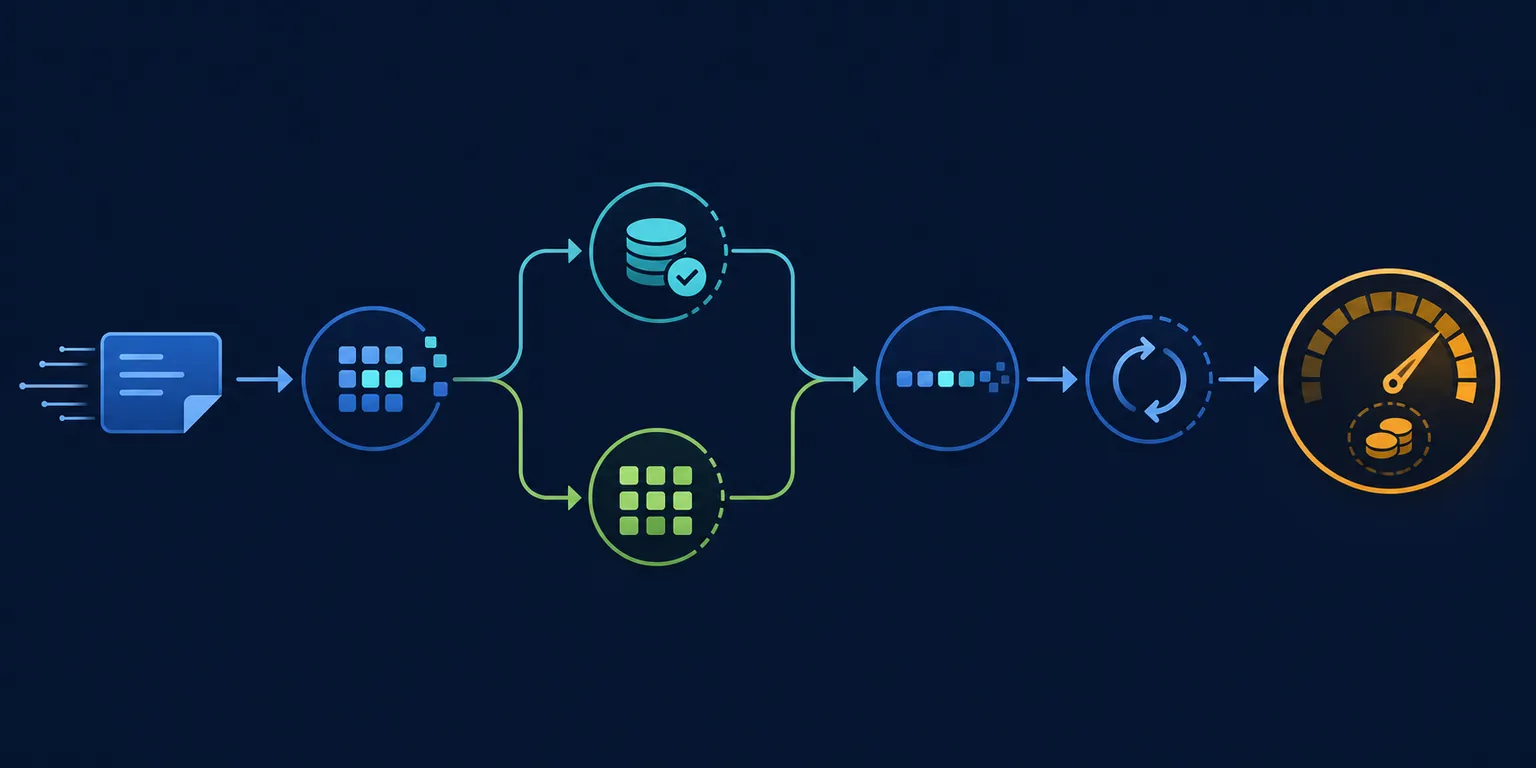
Compare one workload at a time. A general “cheapest AI” ranking hides the fact that input-heavy summarization, output-heavy code generation, low-latency chat, and long-context research produce different bills. Write down the workload before opening a pricing table.
- Normalize the unit. Convert rates to the same currency, token unit, request period, and region assumptions.
- Split input and output. Estimate the real ratio instead of using a 50/50 blend by default.
- Include optional features. Add cache, batch, search, image, audio, storage, or tool charges only when the workload uses them.
- Model retries and context growth. A longer conversation, retrieval payload, or failed attempt can change the cost more than a small rate difference.
- Check capability and quality. A lower rate is not a saving if the model needs extra calls, human review, or a larger fallback model.
- Verify the source. Use the provider's current pricing or billing documentation before production procurement.
For live model rows, use the AI model comparison tool. For a workload-specific shortlist, the cheapest LLM API guide separates chat, code, reasoning, and long-context decisions rather than treating them as one ranking.
Worked AI pricing model examples
The examples below are deliberately formula-first. They show how to reason about a bill without hard-coding a provider price that may change. Replace the placeholders with the current rates from the provider or the site's live pricing table.
| Workload | Main cost driver | What to model | Best next step |
|---|---|---|---|
| Support chat | Balanced input and output | Requests, average history, response length, fallback rate | Start with a pay-as-you-go token estimate |
| Document review | Input context | Pages per request, chunking, context window, cache reuse | Compare input price and context before output price |
| Code assistant | Output tokens and retries | Generated code length, tool calls, failed completions, review time | Compare output price and completion quality |
| Offline classification | Volume and timing | Rows, batch eligibility, retry rate, storage/export costs | Check batch or committed-use options |
Why AI prices change
AI pricing changes when a provider introduces a new model, adjusts capacity, changes a cache or batch discount, adds a billable feature, updates regional terms, or moves a capability into a different product tier. A stable budgeting habit is to keep the pricing source, date checked, token mix, request volume, and assumptions together. That makes a later price change explainable instead of surprising.
Re-check the official documentation before a migration, a large prompt change, or a major traffic increase. The site’s latest model and pricing updates page can help identify changes, while the provider links below remain the final verification point for a purchase or production deployment.
AI pricing models FAQ
AI pricing models are the ways a provider turns model access, tokens, features, capacity, support, and contractual commitments into a bill. Common patterns include per-token API pricing, subscriptions, usage credits, reserved capacity, and negotiated enterprise contracts.
Multiply input tokens by the input price per million tokens, multiply output tokens by the output price per million tokens, then add any cache, batch, tool-call, storage, or request charges that apply. For monthly planning, multiply the per-request estimate by expected requests and include retries.
No. A subscription usually charges for seats, access, or a usage allowance in a chat or productivity product. An API price usually charges for developer traffic, often by input and output tokens. A subscription price should not be used as the API cost estimate unless the provider explicitly says so.
Both matter, but the bill is usually presented through the selected model and usage unit. Model size, quality, context, output length, infrastructure, region, caching, batch processing, and demand all influence the price a provider publishes.
There is no universal answer because input and output rates differ by model. For example, split the 7 million tokens into the actual input/output mix, apply the matching per-million-token rates, and add non-token fees instead of multiplying by one blended number.
AI prices change when providers launch new models, adjust capacity, add caching or batch discounts, change regional or enterprise terms, or introduce new billable features. Re-check the official pricing page and your workload assumptions before a migration or budget decision.
AI pricing models: the short version
Use token-based pricing for flexible variable traffic, subscriptions for predictable user access, reserved capacity for stable high-volume throughput, and enterprise contracts when support, compliance, region, or service commitments change the buying decision. Then validate the numbers against a real workload with the LLM cost calculator and compare the shortlist in the model comparison tool.
Official pricing references to verify
- OpenAI API pricing — token, cached input, batch, and feature billing details.
- Anthropic pricing — Claude model and plan information.
- Google Gemini API pricing — model, token, cache, batch, and feature pricing notes.
- Amazon Bedrock pricing — managed model inference and related service pricing.