Updated August 11, 2026 · informational guide
On this page
What Vertex AI pricing includes
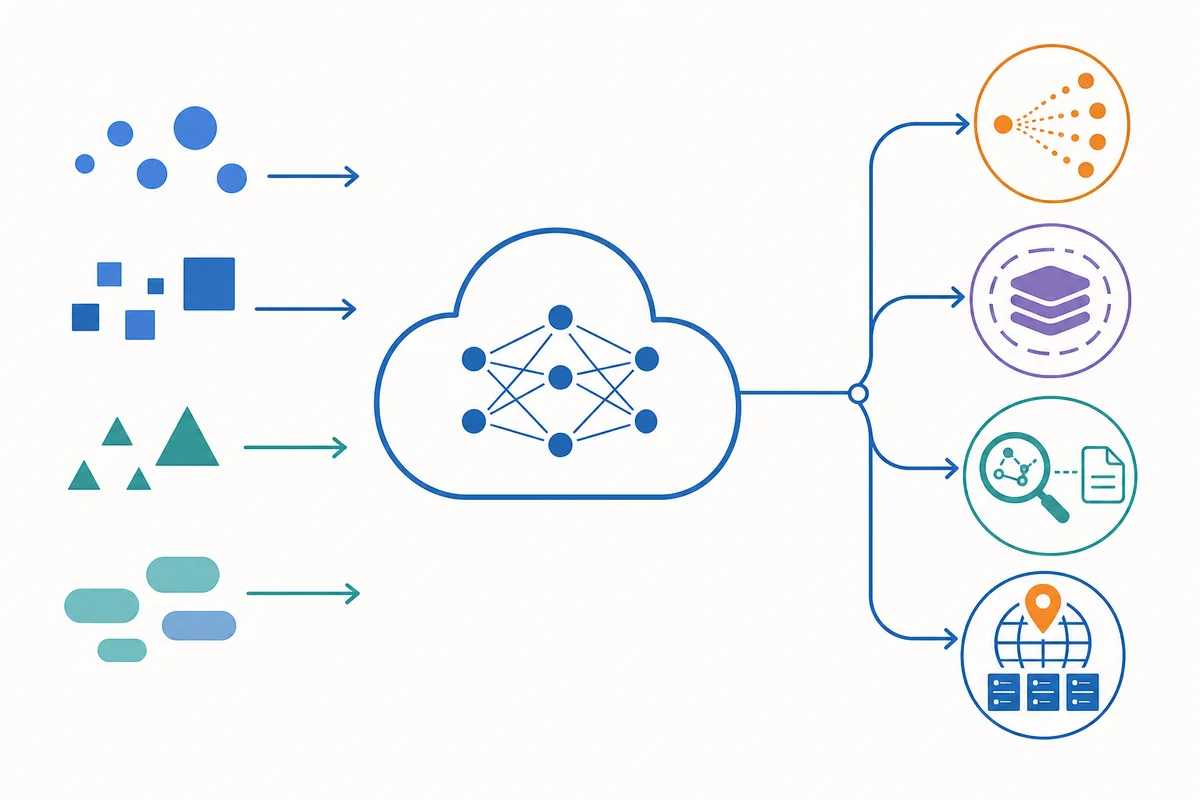
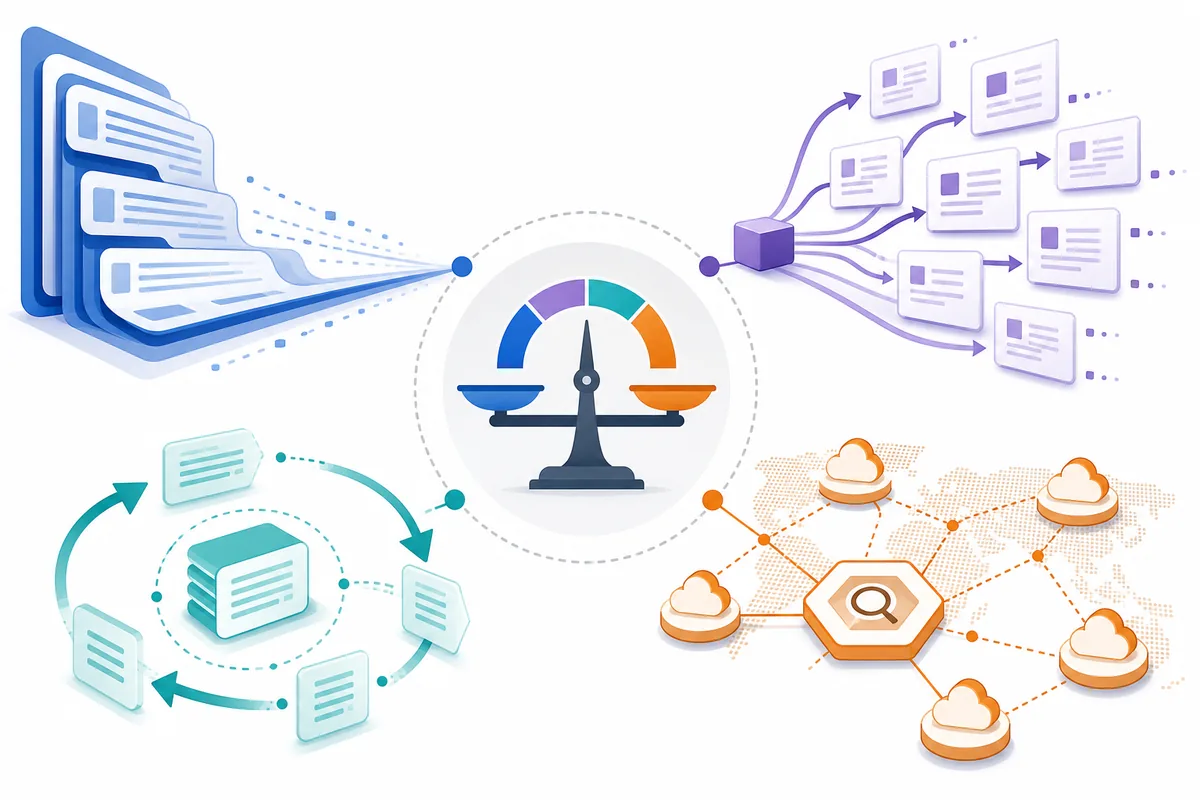
When developers search for Google Vertex AI pricing, they often expect one model-rate table. In practice, the bill is a stack of decisions: which model is called, how much context is sent, how much output is generated, which region or capacity mode is used, and whether the request uses grounding, retrieval, caching, image, audio, or other platform features.
The most useful first split is model usage versus surrounding services. Model usage is usually the part that can be expressed with input and output units. Surrounding services may have their own units, minimums, quotas, or regional rules. Keeping them separate makes it easier to explain why a token estimate and a Cloud Billing invoice do not always match.
| Pricing layer | What to record | Why it changes the estimate |
|---|---|---|
| Model inference | Model, input units, output units, request volume | Different model families and input/output ratios produce different unit costs. |
| Context treatment | Long prompts, repeated context, cache assumptions | Large or repeated context can dominate input usage or qualify for a different cache rate. |
| Grounding and retrieval | Search, retrieval, indexed data, requests, documents | External knowledge paths can add billable operations beyond model tokens. |
| Capacity and region | Region, throughput, latency, deployment mode | Provisioned or regional capacity can change the economics of a steady workload. |
| Supporting services | Storage, networking, logging, orchestration | The model is only one component of a production AI system. |
Vertex AI vs Gemini API pricing
Vertex AI and the direct Gemini API can expose related model families, but the product path still matters. A direct API estimate may be useful for a quick benchmark, while a Google Cloud workload may add region, project, quota, governance, networking, support, or platform-service considerations.
Do not copy a Gemini API number into a Vertex AI budget without checking the exact model SKU and billing page. This is especially important when a team is moving from a prototype in a consumer-facing developer workflow into a production project with Cloud IAM, regional controls, logging, data pipelines, or provisioned capacity.
For a model-level benchmark, use the site’s Gemini API pricing calculator. Treat the result as a comparison input, then verify the Vertex AI-specific source before approving a budget.
How to estimate Vertex AI pricing
Start with a representative request rather than a headline rate. Record average input units, average output units, monthly requests, retry rate, and any repeated context. Then add optional feature usage separately.
model cost = input units ÷ 1,000,000 × input rate + output units ÷ 1,000,000 × output rate
For example, if a planning sheet uses an illustrative input rate of $0.30 per million units and an illustrative output rate of $2.50 per million units, a request with 2 million input units and 400,000 output units would be calculated as $0.60 + $1.00 = $1.60 before retries or feature charges. Those rates are placeholders for explaining the math, not a claim about a current Vertex AI model.
| Variable | Practical question | Budgeting tip |
|---|---|---|
| Input units | How much prompt, history, retrieved text, or document context arrives per request? | Measure a realistic production sample, not a short demo prompt. |
| Output units | How long are answers, structured results, or generated code? | Set a percentile or max-output assumption for heavy workloads. |
| Monthly requests | How many successful requests and retries occur? | Model traffic growth and retry bursts separately. |
| Optional features | Does the request use search, grounding, retrieval, image, audio, or tools? | Add a line item instead of hiding it inside a blended token rate. |
The main Vertex AI cost drivers
A lower model rate does not guarantee a lower application bill. The workload shape often matters more than the single price shown in a comparison table.
Long input context
Retrieval-augmented generation, long conversations, policy instructions, and document analysis can make input usage the dominant line item. Track average context, maximum context, and how often the same context is reused.
Output volume and retries
Code generation, reports, agent traces, and structured extraction can create much more output than a short chat reply. Add retries, fallbacks, validation calls, and tool loops when estimating a production path.
Caching and repeated context
Caching can improve economics when the same instructions or context are reused, but the exact eligibility and cache rate must come from the current official documentation. Do not assume every repeated string receives a cache discount.
Grounding, retrieval, and region
Search or retrieval features can add billable operations and latency considerations. Region and capacity choices also matter when a team needs predictable throughput, data residency, or a specific deployment path.
Vertex AI pricing calculator workflow
A useful Vertex AI pricing calculator workflow has two stages. First, verify the current provider inputs: model or SKU, product path, region, input/output units, cache behavior, and optional features. Second, run the workload math with a consistent volume assumption.
- Choose the exact service path. Write down whether the estimate is for Vertex AI, direct Gemini API, or another Google Cloud product.
- Copy the current rate assumptions. Keep the official page URL and date checked beside every rate.
- Split the request into line items. Model inference, grounding or retrieval, storage, networking, and retries should not be blended prematurely.
- Run the token math. The site’s LLM cost calculator can handle the basic input/output/request-volume calculation once you enter the verified assumptions.
- Stress-test the estimate. Recalculate for longer context, higher output, retry bursts, and a second region or capacity mode.
Good estimate: a dated, source-linked workload model with separate assumptions.
Weak estimate: one copied token rate multiplied by a guessed request count with no cache, feature, region, or retry notes.
How to verify current Vertex AI prices
Google Cloud pricing pages and product labels can change. The current official generative AI pricing material may be surfaced under a newer Agent Platform label even when people still search for Vertex AI pricing. Use the official source as the final authority, and keep the older search phrase in your research notes rather than assuming the product names are interchangeable.
- Open the official Google Cloud generative AI pricing page and confirm the product path.
- Match the model family, modality, region, and billing unit to your workload.
- Check cache, grounding, retrieval, batch, provisioned throughput, and adjacent service notes.
- Run the result through a dated worksheet or the AI Pricing Hub calculator.
- Re-check before launch, after a model migration, and when traffic or context length changes.
Official references to verify before production
- Google Cloud generative AI pricing — current model and feature pricing context.
- Google Cloud Pricing Calculator — broader service and workload estimation.
- Vertex AI documentation — product, model, and deployment context.
Vertex AI pricing FAQ
Is Vertex AI pricing the same as Gemini API pricing?
Not automatically. The same model family can have different billing context, regional terms, feature charges, quotas, or deployment options depending on whether you use the Gemini API directly or Google Cloud Vertex AI. Compare the exact product, model, region, and feature documentation before moving a workload.
Does Vertex AI charge by input and output tokens?
Many generative AI model requests are planned with separate input and output usage, but the complete bill can also include cached context, grounding or retrieval, image or audio processing, tool calls, provisioned capacity, and other Google Cloud services. Treat token math as the starting point, not the whole invoice.
Is there a Vertex AI pricing calculator?
Google Cloud provides pricing and cost-planning tools, while the model-specific source of truth remains the official generative AI pricing table. For quick token arithmetic, use the AI Pricing Hub LLM cost calculator and replace its assumptions with the exact Vertex AI rate, region, and feature charges you verified.
Can I use the Gemini API calculator for a Vertex AI workload?
Use it only as a rough comparison. A Gemini API estimate is not a Vertex AI quote unless the product path, model SKU, region, context treatment, and optional features match. Keep the distinction visible in architecture notes and procurement estimates.
What makes Vertex AI cost more than a simple token estimate?
Long prompts, generated output, retries, search or grounding, retrieval, caching assumptions, image or audio inputs, regional capacity, provisioned throughput, and adjacent storage or networking can all change the total. Separate these line items so a low model rate does not hide a high workload cost.
Vertex AI pricing: the short version
Use the exact Vertex AI model and product path, separate input/output from optional features, record region and capacity assumptions, and link every rate to the official source date. Then use a workload calculator to compare realistic request volume—not just the cheapest headline token number.