How to use the AI token calculator
- Paste representative text. Use a real prompt, retrieved passage, code sample, or chat turn rather than a one-line placeholder.
- Choose a model. The dropdown uses active model and pricing rows from the site's D1 database, so the selected input and output rates are visible before calculation.
- Set expected output tokens. A short answer and a long report can have very different costs even when the input is identical.
- Review the result. Compare the estimated input tokens, output tokens, per-request cost, and model assumptions before projecting monthly volume in the LLM cost calculator.
How token count becomes API cost
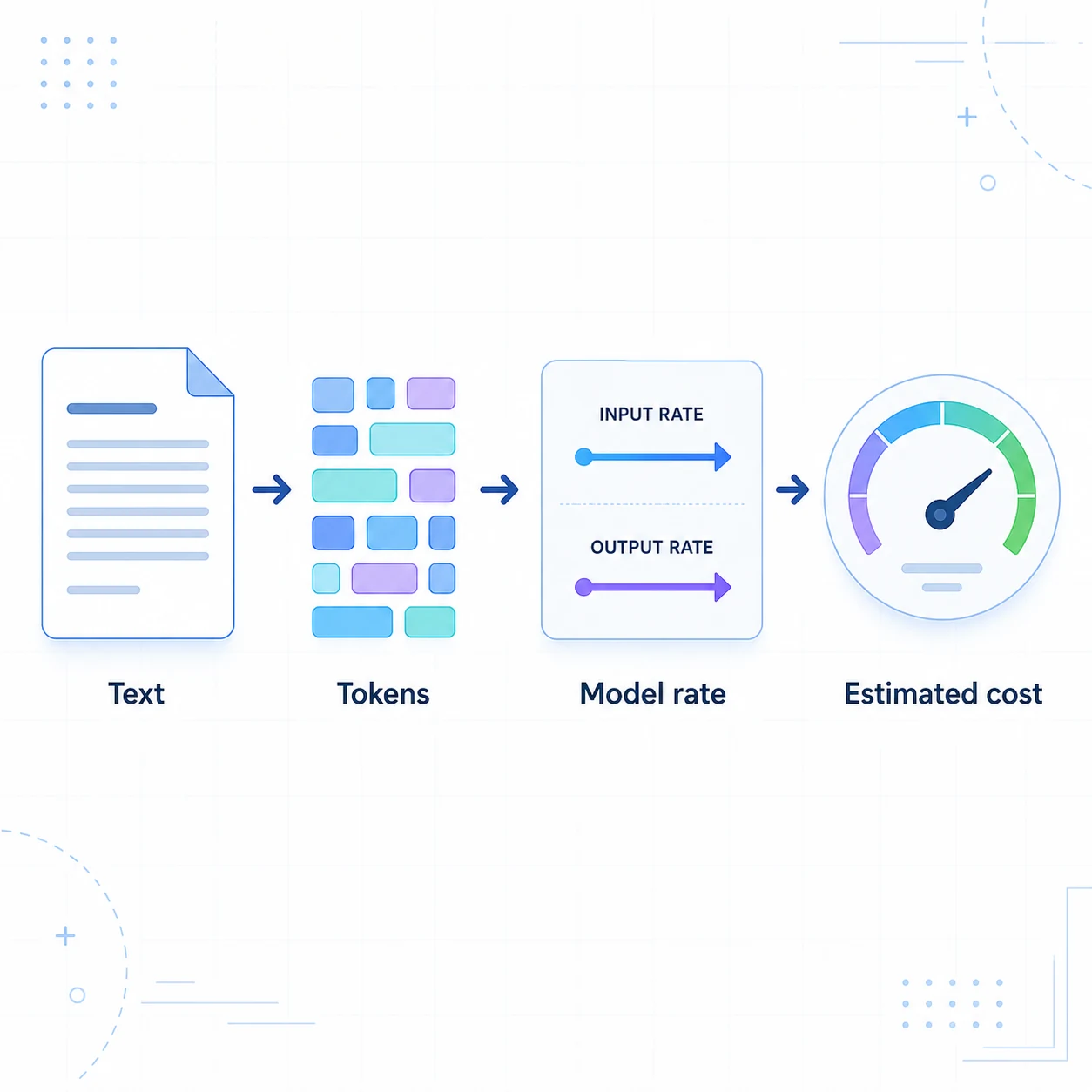
The calculator separates input and output because providers usually publish different rates for each. The core estimate is:
request cost = input tokens ÷ 1,000,000 × input rate + output tokens ÷ 1,000,000 × output rate
The result is not a universal “price per token.” The same text can tokenize differently across models, and the final bill may add cache, batch, search, image, audio, tool, storage, request, or regional charges. Use the tool to compare assumptions, then confirm production billing rules with the provider.
Token count vs. characters and words
| Output | What it tells you | Why it matters |
|---|---|---|
| Characters | Raw text length, including spaces and punctuation. | Useful for spotting unusually long prompts before tokenization. |
| Words | Whitespace-separated word estimate. | Helpful for comparing a short message with a document or article. |
| Estimated tokens | A heuristic approximation of model input tokens. | Connects the text sample to the model's input price, but is not an official tokenizer result. |
| Input/output cost | Separate estimates using the selected D1 pricing row. | Shows whether your workload is input-heavy or output-heavy. |
When token volume changes the estimate
Token count is most useful when it is tied to the shape of the workload. A small user message can still become a large request if the system prompt, retrieved documents, conversation history, or tool definitions are sent on every turn. Conversely, a short input can produce a large bill when the model writes a long report, generates code, or takes several agent steps.
Prompt-heavy work
RAG, document review, and long chat history usually make input tokens the larger side. Measure the complete context, not just the last user message.
Output-heavy work
Code generation, reports, and structured extraction can produce much more output than input. Set a realistic response limit before comparing models.
Repeated context
Repeated instructions may qualify for caching, but cache rules and rates differ. Keep cache savings separate from the basic token estimate.
Once you have a representative per-request result, multiply it by expected requests and add retries or non-token features in the LLM cost calculator. That two-step workflow keeps text estimation separate from monthly volume planning.
Accuracy limits you should account for
- English prose often follows a rough characters-per-token relationship, but the ratio changes with vocabulary, punctuation, whitespace, and formatting.
- CJK text, source code, JSON, emoji, URLs, tables, and mixed-language prompts can use more or fewer tokens than a simple character rule predicts.
- Conversation history and system prompts are billable context too. A visible user message may represent only one part of the request.
- Retries, cache reads/writes, batch processing, reasoning tokens, tool calls, image/audio inputs, search, storage, and platform charges are outside this simple two-rate estimate.
- For a final budget, use the provider's official tokenizer or usage dashboard and add a buffer for retries and real context growth.
What happens to pasted text?
The estimator runs in the browser after the model price rows are loaded. This page does not POST the pasted text to the backend for the calculation. Do not paste secrets, API keys, personal data, or confidential source code into any third-party web tool unless your own policy allows it.