Checked 2026-10-24 against Anthropic's public pricing and prompt-caching documentation.
Short answer: Claude prompt caching is priced as a premium when a prefix is written and a discount when that prefix is read again. Anthropic lists a 5-minute write at 1.25x the base input rate, a 1-hour write at 2x, and cache hits at a model-specific fraction of the base input rate. A cache is useful when the same system prompt, tool definition, or reference document repeats before its time-to-live expires.
The billing decision is therefore a workload question, not a slogan about a “90% discount.” You must count the write, the later reads, the uncached tail of each prompt, and the output tokens. The examples below use the official multiplier rules and a clearly labeled model example; confirm the current dollar rows before production budgeting.

Claude prompt caching pricing rules
Anthropic's pricing table separates five columns that are easy to collapse into one number: base input tokens, 5-minute cache writes, 1-hour cache writes, cache hits or refreshes, and output tokens. The multipliers are applied to the selected model's input rate, so the same cache behavior costs different dollars on Haiku, Sonnet, and Opus.
| Operation | Multiplier | When it is charged | Best fit |
|---|---|---|---|
| 5-minute cache write | 1.25x base input | When a prefix is first stored or rewritten | Active chats and short bursts |
| 1-hour cache write | 2x base input | When a longer-lived prefix is stored | Human approval gaps and periodic reuse |
| Cache read or refresh | Use the model's cache-hit rate | When a later request reuses the cached prefix | Repeated system prompts and documents |
| Uncached input | 1x base input | For the remainder after the last breakpoint | Changing user turns and short tails |
Pricing boundary: these are token-metering rules. Region, endpoint, model availability, batch eligibility, and platform-specific terms can add different modifiers. Treat this page as a calculation guide and use the official Anthropic pages for the final quote.
How to calculate Claude cache cost
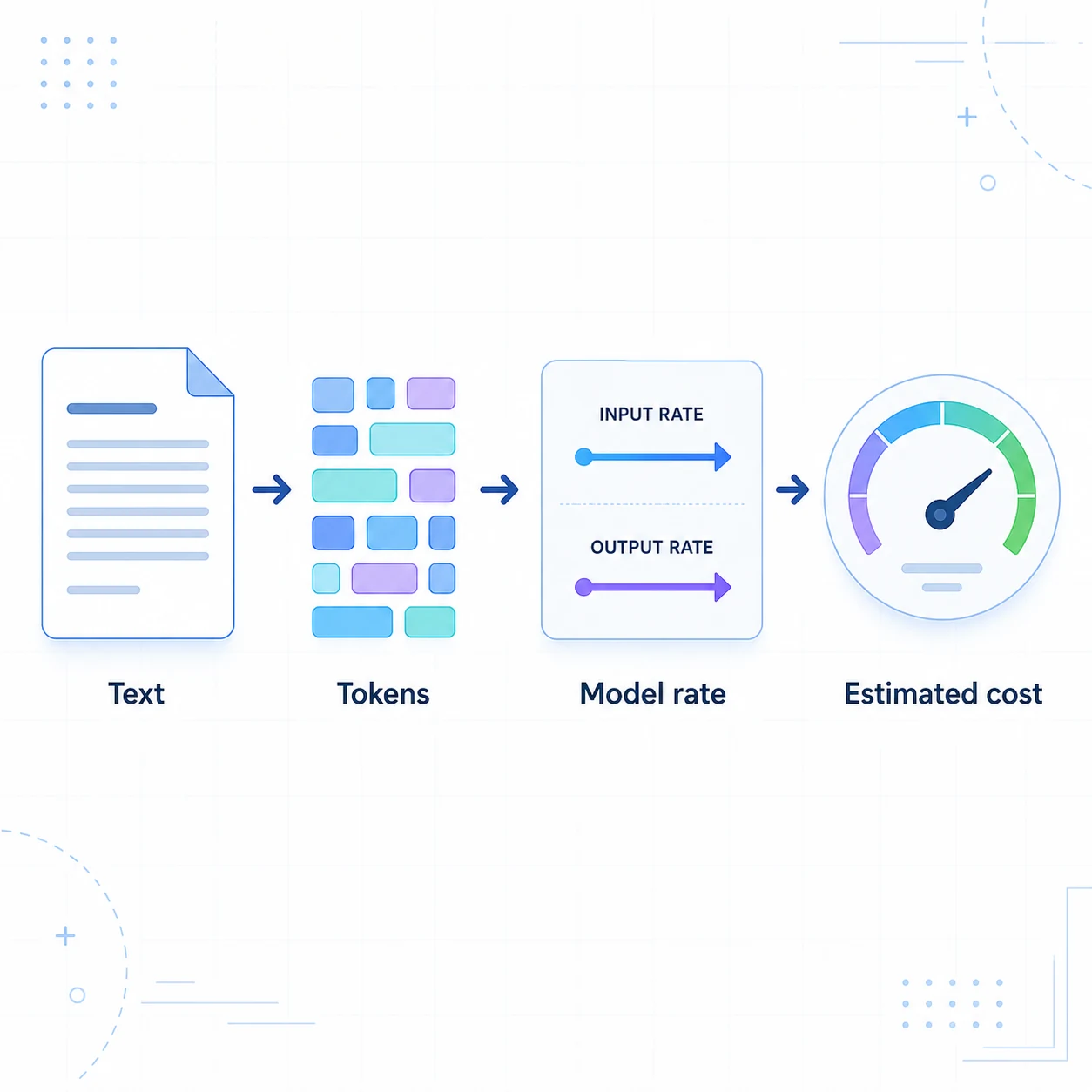
Start by splitting one request into three input buckets. The first is a cache write, the second is a cache read, and the third is the uncached remainder. Then add output tokens at the normal output rate. A practical monthly formula is:
monthly cost = (write tokens / 1M × write rate) + (read tokens / 1M × read rate) + (uncached input / 1M × input rate) + (output / 1M × output rate)
For a simple example, suppose a 20,000-token system prefix uses a Sonnet 5.5 row checked on 2026-10-24: $2 per million base input, $2.50 for a 5-minute write, $4 for a 1-hour write, and $0.10 for a cache read. One write plus one read costs $0.052 for the prefix. Sending the same 20,000 tokens twice without caching costs $0.080. The second request is where the 5-minute option becomes cheaper.
The calculation changes for a 1-hour cache. One write plus one read costs $0.082, which is slightly more than two uncached requests at $0.080. The 1-hour option normally needs two later reads to overcome its 2x write premium. This is why a low hit count can make the cheaper 5-minute tier a better choice even when occasional gaps look inconvenient.
Choose a 5-minute or 1-hour cache
Use 5 minutes for active turns
Choose the shorter lifetime when requests arrive in a burst: a support conversation, an agent loop, or a document workflow that sends several calls close together. Every successful read can refresh the cached prefix according to Anthropic's documented behavior, so an active session can remain on the lower write tier.
Use 1 hour for predictable pauses
The 1-hour tier is designed for reuse after a gap. Examples include a reviewer approving an action, a human returning to a support case, or a scheduled job that revisits the same reference material. Model the gaps from the start of the request that writes or reads the entry, because a long streamed response consumes part of the lifetime before the next request begins.
Do not keep a cache warm by sending artificial pings. That adds input and output cost and can hide a real hit-rate problem. Measure real traffic instead.
Design prompts for a higher cache hit rate
Claude caching works on prefixes. Put content that rarely changes first: system instructions, tool definitions, stable policy text, and reference documents. Put the changing user question, timestamp, request ID, and fresh tool results after the cache breakpoint. A small change near the beginning can invalidate everything after it.
Anthropic supports automatic caching with a top-level cache_control field and explicit breakpoints on content blocks. The automatic option is a reasonable starting point for multi-turn conversations; explicit breakpoints help when you know which document or tool block should be reused. Keep the request shape stable and check the model's minimum cacheable prefix before assuming a short prompt will hit.
response = client.messages.create(
    model="claude-opus-5-5",
    max_tokens=1024,
    cache_control={"type": "ephemeral"},
    system=stable_system_prompt,
    messages=[{"role": "user", "content": changing_question}],
)
This example is intentionally small. In production, keep API keys out of logs, record the usage object, and verify that your SDK version sends the cache control field you intend.
Read the usage fields before trusting savings
Do not infer a hit from a lower bill alone. Anthropic's response usage exposes separate counters for cache_creation_input_tokens and cache_read_input_tokens. The ordinary input_tokens field is the uncached portion, not the full prompt. For an audit, store those three values with the model, TTL, request time, and prompt version.
- Calculate the hit rate as cache-read tokens divided by total eligible prefix tokens.
- Compare the measured write/read mix with the assumption in your monthly budget.
- Flag sudden writes after a deploy; they often indicate a changed prefix or tool ordering.
- Keep output tokens separate. Caching reduces repeated input work, not generated output.
When prompt caching does not help
Caching is a poor fit for one-shot prompts, prefixes below the model's minimum, and workloads that mutate the beginning of every request. It can also be the wrong tradeoff when the extra bookkeeping or privacy review outweighs a small token saving. A cache hit is not a quality feature; it only changes how repeated input is billed and processed.
For a real estimate, put the measured input/output mix into the Claude pricing calculator. Keep cache-read share, cache-write share, and batch share as separate inputs. For general token arithmetic, the AI token calculator can turn a representative prompt into a first-pass token estimate.
Sources and review checklist
The primary references are Anthropic's model pricing page and prompt caching guide. Recheck both when a model is released, a cache lifetime changes, or your deployment moves to Bedrock or another managed channel.
- Record the model, region or platform, and price page date.
- Measure eligible prefix tokens, writes, reads, uncached input, and output.
- Choose the TTL from real request gaps rather than a default assumption.
- Recalculate after prompt, tool, SDK, or routing changes.
Claude prompt caching pricing FAQ
How much does Claude prompt caching cost?
Anthropic lists a 5-minute cache write at 1.25 times the model input rate, a 1-hour write at 2 times the input rate, and a cache read at the model-specific cache-hit rate. The official pricing page is the source of truth because the dollar rate differs by model and can change.
Does Claude prompt caching save money on the first request?
Usually no. The first request pays the cache-write premium. A 5-minute cache typically becomes cheaper when the same prefix is read once more before it expires; a 1-hour cache normally needs two later reads because the longer write costs more.
What is the difference between a 5-minute and 1-hour Claude cache?
The 5-minute option has the lower write price and suits active conversations or bursts. The 1-hour option costs more to write but can pay off when the same prefix is reused after gaps such as human approval or periodic support work.
What do cache_creation_input_tokens and cache_read_input_tokens mean?
cache_creation_input_tokens is the portion written to a cache on the current request. cache_read_input_tokens is the portion served from an existing cache. input_tokens is the uncached remainder, so it should not be treated as the whole prompt when you audit a long context.
Why is my Claude cache hit rate low?
Common causes include changing text before the breakpoint, reordering tools, timestamps or request IDs inside the stable prefix, a prefix below the model minimum, and gaps longer than the selected TTL. Log the usage fields and keep stable content before changing content.
Can I combine Claude prompt caching with batch pricing?
Anthropic documents pricing modifiers that can stack, but eligibility depends on the endpoint, model, and current terms. Treat batch and caching as separate assumptions in your estimate, then verify the exact combination on the official pricing and prompt-caching pages before production use.
Continue with a workload estimate
Use the explanation above to choose a cache assumption, then test your own input/output mix in the Claude API pricing calculator. Keep the official Anthropic documentation open beside the result so a planning number does not become an outdated production quote.